

Until now, AI has generally needed Humans to supervise it and make it run. But OpenClaw has changed how we see and use AI. It’s an open-source platform for creating autonomous agents that operate their own computer, manage email, messages, research, scheduling and can chew through workflows you set up for it. How does this work, and how do you set it up? A quick guide in simple language.
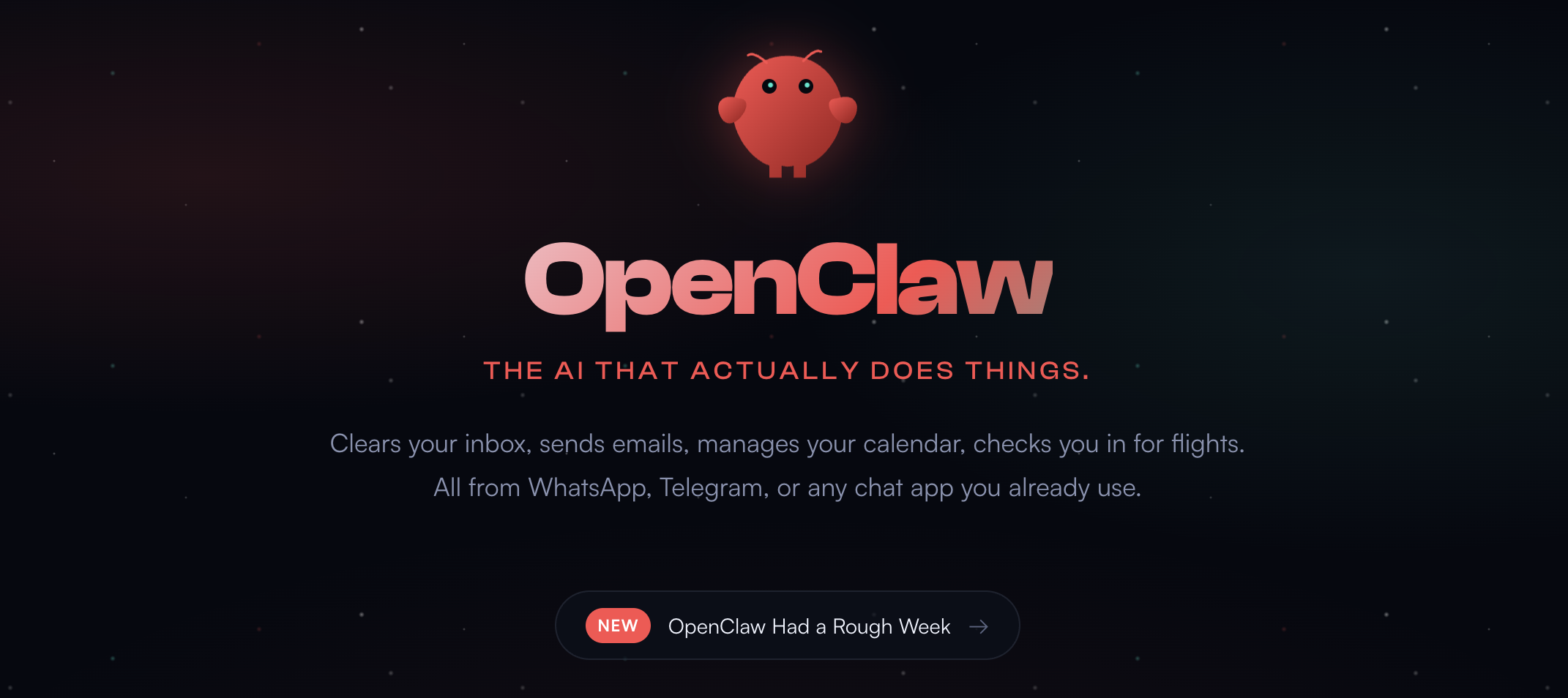
The latest in a dazzling series of spring 2026 breakthroughs is OpenClaw, an upstart open-source platform that creates AI agents that run on separate computers, complete with their own email, WhatsApp, Telegram, Slack, Discord, or iMessage accounts, and are able to work independently as digital employees. You give it instructions through a chat window or message, and they carry them out from the machine they’re installed on. can draft and send emails, manage a calendar, browse the web, research and organize information, and run scheduled tasks in the background.
Until this breakthrough, most AI tools required Humans to wind them up and point them in the right direction. OpenClaw agents can operate independently in the background, and even improve their own capabilities. This part is truly amazing; mid-conversation, a Claw agent can install a new skill or request a new tool if it encounters something it cannot yet do.They then go back to chewing through the workflows and check in once they have something to show.
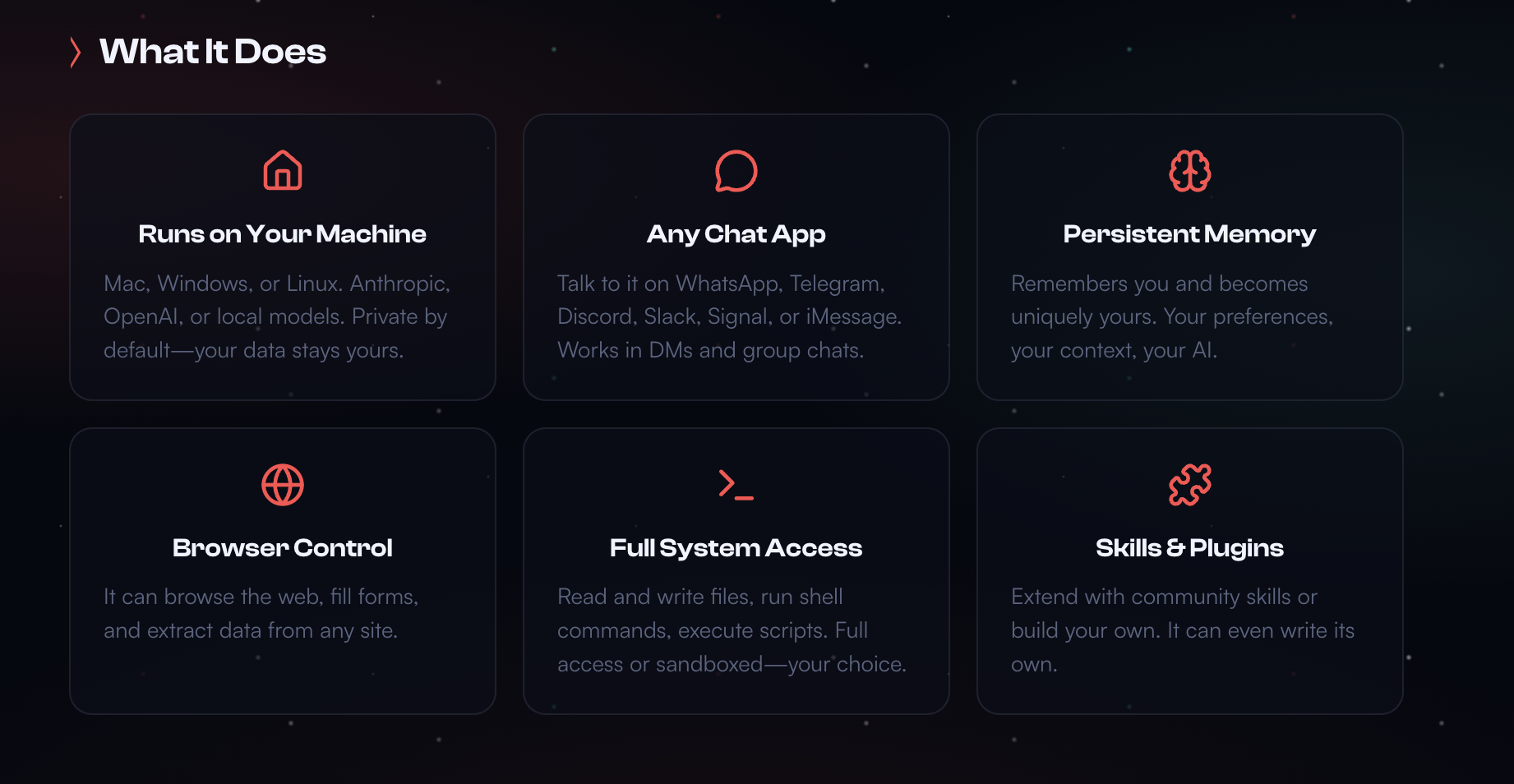
Two features in particular make it so powerful, and also so fascinating. The first is persistent memory, which means it retains context across conversations, building up a working knowledge of your preferences, routines, and communication style over time. It also exhibits proactive behavior, meaning it can send you a regular briefings without being reminded, flag certain emails before a meeting, or run a weekly task review automatically. OpenClaw works whether you are watching or not, waiting for triggers to trickle in, then acting on them.

One of the more fascinating features is the “heartbeat” file that tells the system to wake up at regular intervals, scan for changes, and execute any task in the inbox. It can be set for every 24 hours or every 24 seconds, like a Human heartbeat that regulates and resets the Human system. Claw agents refer to a “soul.doc,” a set of high-level ethical guidelines that give it direction and a bit of common sense, similar to a Human prefrontal cortex.
How does this all work, and how do you set it up without accidentally creating an uncontrolled nightmare? Here’s the short, sane version of how to get started with an insane application.
- Get a machine to run it on: the simplest option is a Mac Mini, but it can be any system you have hanging around in the closet and do not need anymore. A Claw rig does not need a screen or a keyboard like we do, but it’s easier for the Humans sitting next to it.
- Install OpenClaw: go to openclaw.ai and scroll down the landing page. The website has a fairly easy onboarding process you can follow, plus video tutorials to smooth the bumps, if you have the patience. You install a Claw via your terminal, so if you don’t feel comfortable running slash commands from a scary, black window, better call a tech friend to help out.
- Connect an AI model: to animate your Claw, you will need to hook it up to an AI brain. This can be via OpenAI, Ollama, or other open-source models. The OpenClaw website has a handy drop-down for that. OpenAI does seem to be the easiest.
- Connect a chat app: This is how you intend to talk to your agent. Telegram is easiest for beginners, but you can use a variety of chat interfaces, from Messenger to WhatsApp. First create the account for your new friend, then connect it. This is the wild part, interacting with AI like you might a cheerful intern on a Matcha drip down the hall.
- Give it a role and give it tools: this means you define its personality, the permissions it is granted, its workflows, memory, and skills. It will need a step-by-step workflow, which might sound something like: “Monitor my customer inquiries, draft a reply, summarize the lead into a report, and update the CRM.” This is defined on the setup dashboard.
- Lock it down: do not expose it openly to the internet without guardrails. Use local access, an SSH tunnel, or a layer of security the tech folks can set up for you. And especially if you are a beginner, the sandbox should be closed to start.
- Start small and go slow: an opening command like “manage my entire business autonomously” will probably end in tears (yours), so good first automations could include inbox triage, article research, lead collection, LinkedIn content drafting, travel planning, gift ideas, promo workflows, or other small, contained tasks that won’t irritate customers or start emailing your mother in-law.
Overall, even though this is new technology, it seems to work. Tech companies and developers are already delegating significant parts of their daily processes to these digital employees, and enthusiasts are building them their own social platforms where they can resolve issues and chat about the Humans they interact with, burning their own tokens as they go.
Beyond the tech companies, there are not many mainstream businesses exploring use cases and setting up new task forces. It is still too scary for the general population.
OpenClaw systems are not for beginners. In the wrong hands, in leaky environments, these agents can romp through live data, interact with customers, and make a huge mess if they are not kept in a sealed space. It can become unhinged if misconfigured. You need quite a bit of tech talent in the house and a clear set of ground rules before buying your Mac Minis and getting to work. Know exactly what systems it has access to, who has visibility over what it is doing, and what happens when it acts on ambiguous or incomplete information.
Need help with AI Integration?
Reach out to me for advice – I have a few nice tricks up my sleeve to help guide you on your way, as well as a few “insiders’ links” I can share to get you that free trial version you need to get started.
Listen to “OpenClaw” on the podcast!
OpenClaw has changed how we see and use AI; an open-source platform for creating autonomous agents that operate their own computer, manage email, messaging, research, scheduling and chew through workflows. How does this work, and how do you set it up? A quick guide in simple language.

About Fiona Passantino
Fiona helps empower working Humans with AI integration, leadership and communication. Maximizing connection, engagement and creativity for more joy and inspiration into the workplace. A passionate keynote speaker, trainer, facilitator and coach, she is a prolific content producer, host of the podcast “Working Humans” and award-winning author of the “Comic Books for Executives” series, including “AI-Powered Leader” and “AI-Powered Professional”.